UPDATE

The new version of Katalon Certification Program is now live Enroll for free

hero-image

Katalon AI Skilled Practitioner Certification

Leverage AI for faster, smarter testing. Prove your skills with hands-on experience.
hero-icon Trusted and earned by 285+ QA professionals worldwide

icon-step-1 Register

This hands-on certification validates your ability to build and scale test automation with Katalon, using AI to boost speed and efficiency. No exam is required.
To get certified, you need to use Katalon Studio Enterprise to complete the requirements listed below.
Log in and enroll
icon Write tests, faster
Generate reusable scripts, API tests, and data from manual steps and descriptions.
icon Expand automation
Connect to the MCP servers. Leverage AI agents for smarter and more efficient testing.
icon Boost efficiency
Get more done in less time, and have more resources for other critical activities
icon Unlock new opportunities
Future-proof your career with the AI certification.

icon-step-1 Complete the requirements

Use Katalon Studio and complete the following activities.
Requirements
Solution to use: Katalon Studio Enterprise
Skills gained
After completing this certification, you will be able to:
Create:
Create 30 test cases from scratch
Use 5 variables for script reusability
Skills gained ico
Test design:
icon
Design automated test cases using multiple methods
icon
Reuse logic by applying variables to streamline and simplify scripts
icon
Separate test data from logic using data-driven techniques to improve maintainability
Test design:
icon
Design automated test cases using multiple methods
icon
Reuse logic by applying variables to streamline and simplify scripts
icon
Separate test data from logic using data-driven techniques to improve maintainability
Execute:
Run 30 test suite/test suite collection executions. Features to leverage:
- Cross-browser testing in test suite collections
- Parallel testing in test suite collections
Run 10 data-driven test executions to maximize test reusability and coverage
Skills gained ico
Test execution:
icon
Organize tests for flexible execution across environments, browsers, or test groups
icon
Perform cross-browser and parallel testing using test suite collections for better speed and flexibility
icon
Implement data-driven testing to increase script reusability and test coverage
Test execution:
icon
Organize tests for flexible execution across environments, browsers, or test groups
icon
Perform cross-browser and parallel testing using test suite collections for better speed and flexibility
icon
Implement data-driven testing to increase script reusability and test coverage
Leverage AI:
Generate 20 test artifacts with AI directly in Script Mode
Explain complex test scripts using StudioAssist directly in Script Mode
Ask AI at least 50 questions to:
- Learn and clarify testing concepts
- Brainstorm test scenarios
- Convert manual tests to automation scripts
- Troubleshoot issues
Use AI Agent to execute at least 75 actions using MCP tools
Skills gained ico
AI:
icon
Generate diverse test artifacts, including scripts, data, keywords, and API test cases, using AI to accelerate test creation and reduce manual effort
icon
Interpret and explain advanced test scripts with AI to enhance readability, maintainability, and team collaboration
icon
Turn AI into a daily testing assistant to learn, create test cases, troubleshoot issues, and work more efficiently
icon
Expand automation capabilities and work more efficiently in Katalon Studio using AI Agents and MCP Servers
AI:
icon
Generate diverse test artifacts, including scripts, data, keywords, and API test cases, using AI to accelerate test creation and reduce manual effort
icon
Interpret and explain advanced test scripts with AI to enhance readability, maintainability, and team collaboration
icon
Turn AI into a daily testing assistant to learn, create test cases, troubleshoot issues, and work more efficiently
icon
Expand automation capabilities and work more efficiently in Katalon Studio using AI Agents and MCP Servers
Maintain:
Run 10 test executions with the enabled self-healing feature to overcome test failures due to broken locators
Skills gained ico
Test maintenance:
icon
Automatically fix broken or changed UI locators with self-healing to reduce manual rework
Test maintenance:
icon
Automatically fix broken or changed UI locators with self-healing to reduce manual rework
NOTE: Katalon may update certification criteria over time. Certifications earned under previous requirements remain valid for 2 years from the issue date.
Q: Who should take this certification? Do I need prior experience in test automation?
icon-plus
Anyone who wants to validate Katalon AI skills or build foundational AI-driven automation skills can take this certification. No prior experience is required.
Q: How do I get the Katalon Practitioner Certification?
icon-plus
Download Katalon Studio and use the product to meet the listed requirements. Use our auto-tracking system to keep track of your certifciation progress. Receive the certification when you complete all the requirements.
Q: Do I need to complete any courses?
icon-plus
No. Courses are optional. If you don't know how to use Katalon Studio, we encourage you to enroll in this learning path. It will help you with the how-tos.

icon-step-1 Keep track of your progress

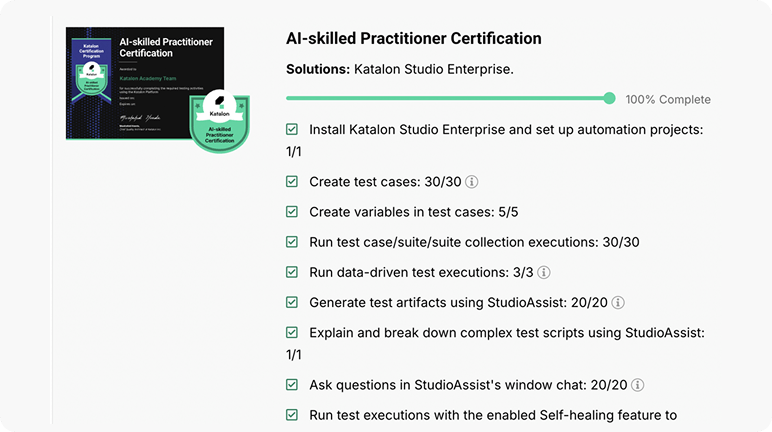
Use your auto-tracking dashboard to monitor your progress against the certification requirements.
View your dashboard
image
Q: Where does the data come from?
icon-plus
The dashboard pulls usage data directly from Katalon products linked to your account. Please note that data cannot be transferred between accounts.
Q: Is this dashboard real-time?
icon-plus
Data may take 1 or 2 days to get updated on your dashboard.
Q: What if my dashboard gets stuck or doesn't update?
icon-plus
In case your dashboard doesn't get updated, or you need further clarification on the requirements, you can raise questions in the Community or reach out to certifications@katalon.com.

icon-step-1 Showcase your expertise

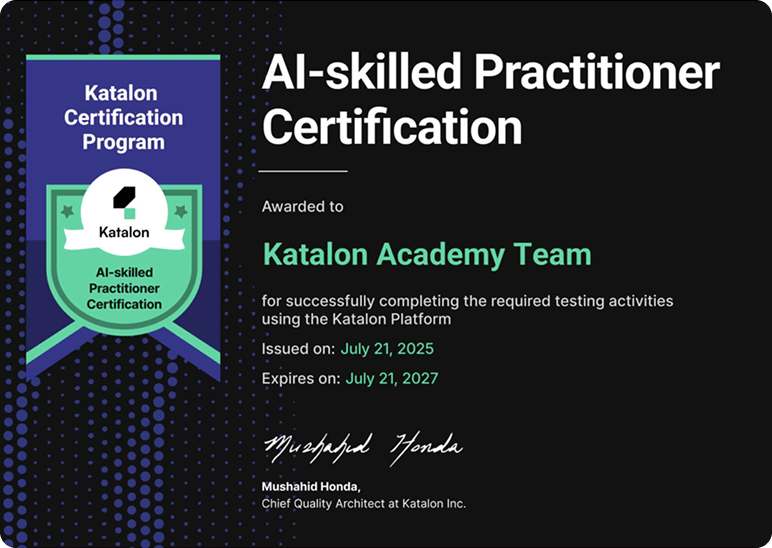
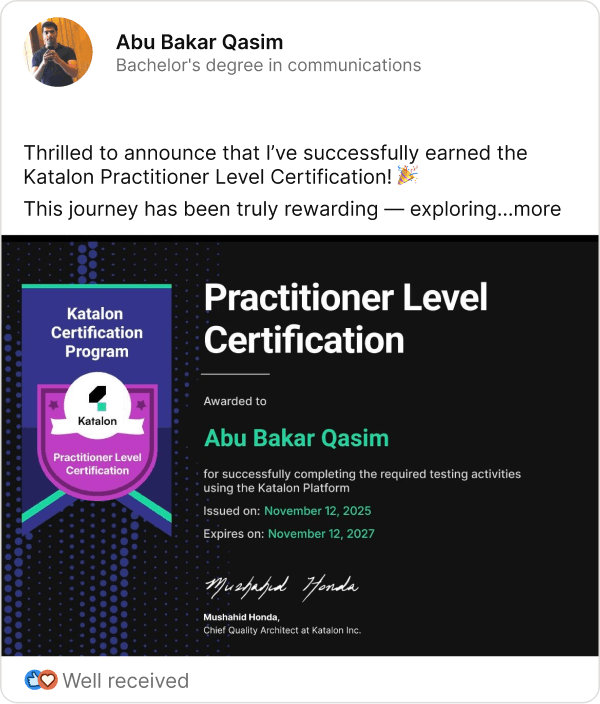
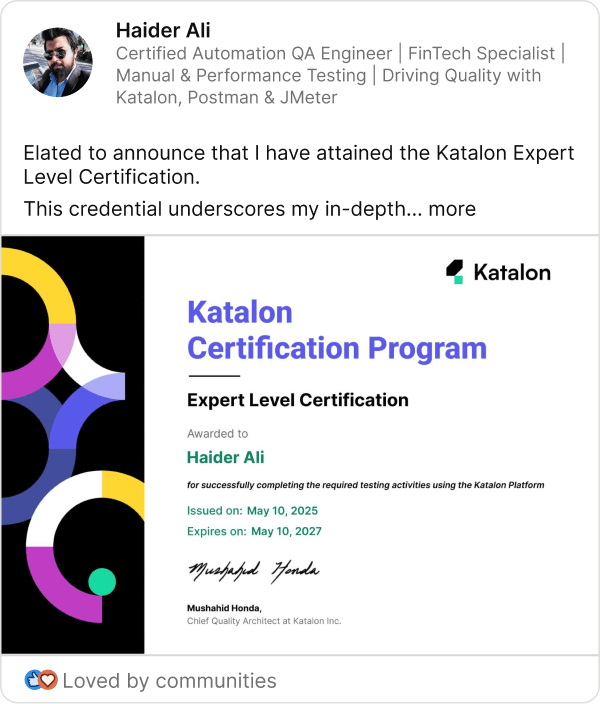
Enhance your professional profile with your hard-earned Katalon Certification. Get a downloadable badge and credentials that you can easily share on LinkedIn, your site, or your resume.
image
Q: Can I change the name on my certification after completing?
icon-plus
Yes, you can. Simply go to your user dashboard and click on the Edit name button.
Q: Can I transfer a certification from one account to another?
icon-plus
No, you cannot. But you will have a permanent web page to host your certification, which you can share across your social media or download a digital version.

Join thousands of
outstanding certified professionals

9,671 certifications granted, to 5,441 QA pros, across 965 organizations.
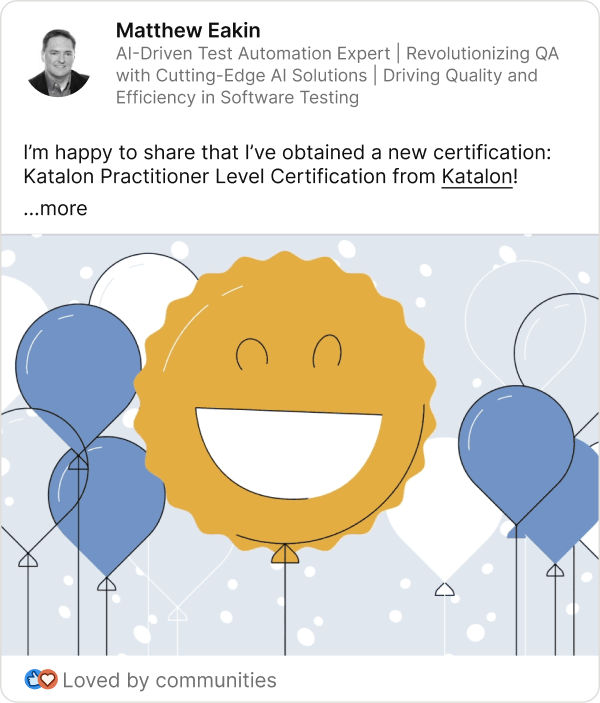
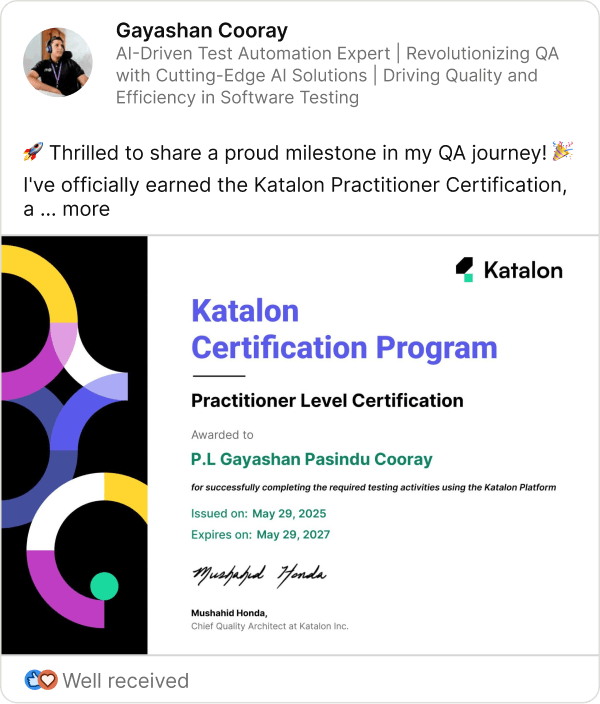
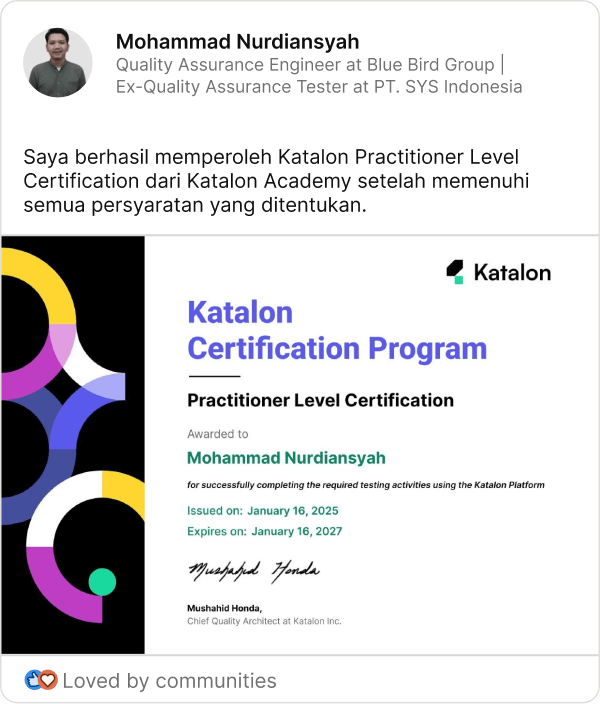
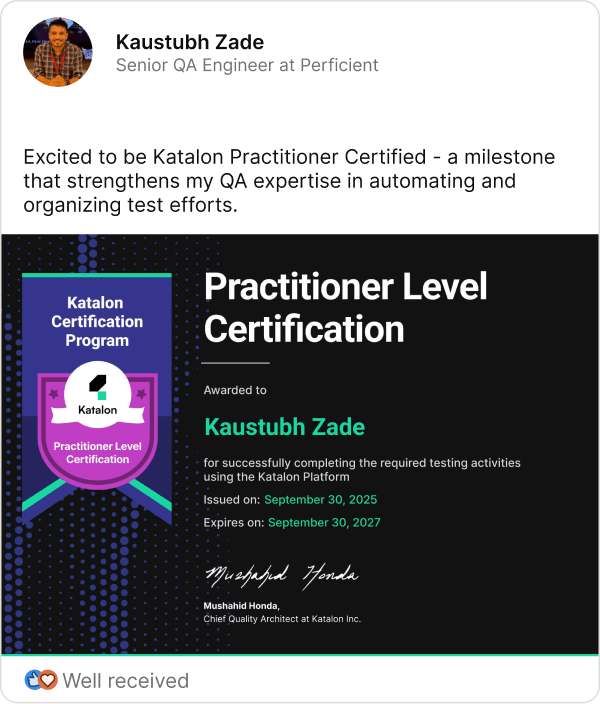
Thousands have leveled up their skills and shared their success.
Meet them on LinkedIn
  • slide-1
  • slide-2
  • slide-3
  • slide-4
  • slide-5
  • slide-6
  • slide-7

Best practices to get certified

image
icon-trophy Check your progress early
If you’ve already used Katalon solutions, register and review your existing data against the criteria.
icon-trophy Learn the basics
If you’re new, take the recommended courses to learn how to use Katalon Studio effectively.
icon-trophy Need a Katalon Studio Enterprise license?
Take advantage of your 30-day trial upon account registration or this Kudos Program in the Community to exchange points for licenses.
icon-trophy Contact us
Need help? Ask questions in the Community or reach out to certifications@katalon.com.

Frequently asked questions

Is this AI certification free?
icon-plus
Yes, the certification is completely free to participate. However, it requires using Katalon Studio Enterprise, which requires a license. You can take advantage of the 30-day trial period upon product activation to use the full capabilities and AI features.
Do I need to take an exam to get certified?
icon-plus
No. There’s no traditional exam. You earn this certification by completing a set of real-world, product-based requirements using Katalon Studio Enterprise and its built-in AI features.
Is there a time limit to register and complete the certification?
icon-plus
No deadline. You can register and complete the requirements on your own schedule.
How will I receive my certification?
icon-plus
Once you complete all the requirements, you will get the certification in your user profile on Katalon Academy and receive an email notification. You can download the certification (PDF) or add it to your LinkedIn profile.
Do I need to complete other Katalon Certifications first?
icon-plus
No. The AI Practitioner Certification is standalone. You can take it with or without completing the other certifications.
What are the benefits of AI in software testing?
icon-plus
AI helps testers work faster and more efficiently by reducing repetitive tasks, minimizing errors, and improving test stability. It can generate test scripts and data from natural-language descriptions, assist in understanding complex code, and even help troubleshoot issues. For teams, this means less time spent on maintenance and more focus on high-value testing activities.
How to use AI in software testing and test automation?
icon-plus
There are several ways to bring AI into your testing workflows. Some teams build and integrate AI models themselves. For example, they use machine learning to prioritize tests or detect patterns in failures. Others use AI libraries or APIs to generate test data, analyze logs, or support decision-making in large-scale test environments.
But if you want a quicker way to get started, you can use a test automation tool that already has AI features built in. For example, Katalon Studio Enterprise includes AI capabilities that help you generate test scripts, explain complex code, auto-heal broken locators, and troubleshoot issues, without needing to build anything from scratch. Just install and start using it.
Does Katalon use AI?
icon-plus
Yes, Katalon embedded AI across the entire platform to test faster, see clearer, and streamline test automation with fewer bottlenecks. AI solutions include StudioAssist in Katalon Studio, Virtual Data Analyst, TrueTest, and Manual test case generation. You can find more details here.
How to enable AI in Katalon Studio?
icon-plus
To enable AI in Katalon Studio, which allows you to use StudioAssist, you can choose between using Katalon AI Service or using your own OpenAI or Azure OpenAI API keys. You can find more details in this documentation.
Are there available AI testing courses on Katalon Academy?
icon-plus
Katalon Academy offers free, hands-on courses that show how to use AI in testing workflows through Katalon solutions. You can view the courses here.
I have more questions about the AI Practitioner Certification. Where can I ask or get support?
icon-plus
You can ask in this Community space or reach out to us via certifications@katalon.com.